Log in, without a password
- Open app.hundeführerschein.ch.
- Enter the email address you used for your order and tap Send login code.
- Open the email and enter the 6-digit code in the app. On a computer you can also simply click the link in the email. Done, you are logged in.
The code is valid for 30 minutes. After that you stay logged in on this device. Did you not get an email? Check your spam folder or simply request a new code.
Put the app on your phone
You do not need an app store. The app runs in the browser and can be placed on the home screen like a normal app. After that it starts with one tap, also works without internet and can send you notifications.
iPhone and iPad
- Open the app in Safari and log in.
- Tap the share icon at the bottom (square with an arrow pointing up).
- Choose Add to Home Screen, then Add.
- From now on, open the app with the new icon on the home screen.
Android
- Open the app in Chrome and log in.
- Tap Install app in the profile, or choose Install app in the Chrome menu (three dots).
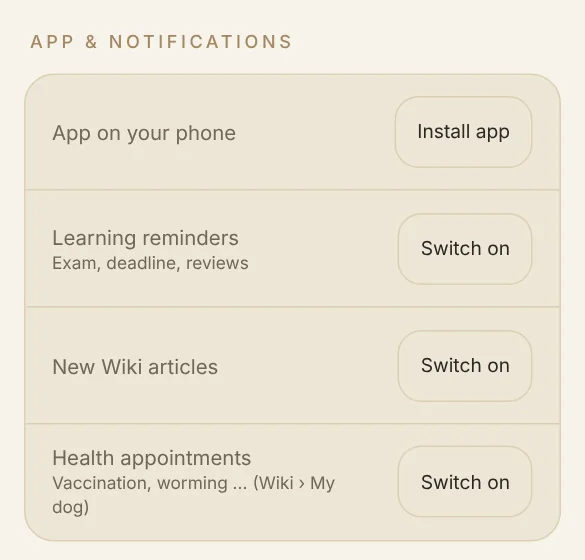
Switch on notifications
Under Profile › App & notifications you choose for each device what the app tells you about:
- Learning reminders (learning app): countdown to the exam, deadline for the theory course, reviews that are due. One per day at most, in the evening.
- New Wiki articles (Dog Wiki): as soon as a new article is published.
- Health appointments (Dog Wiki): 7 days before a vaccination, worming and so on, and on the day itself.
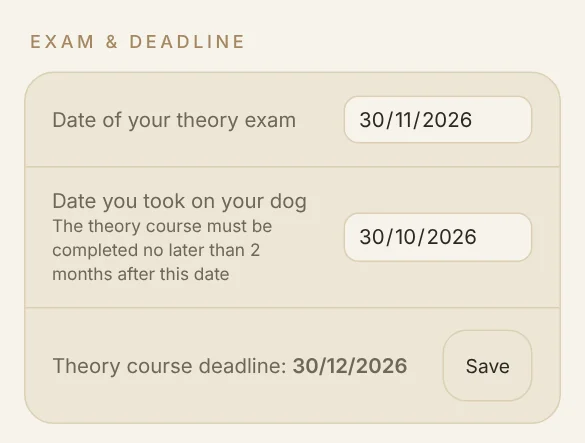
Enter your exam date and deadline
Under Profile › Exam & deadline you enter the date of your theory exam and, if you have a new dog, the date you started keeping it. Both are optional.
- On the start page you then see how many days are left until the exam.
- The app works out the deadline for the theory course (at the latest 2 months after you start keeping the dog) and reminds you in good time.
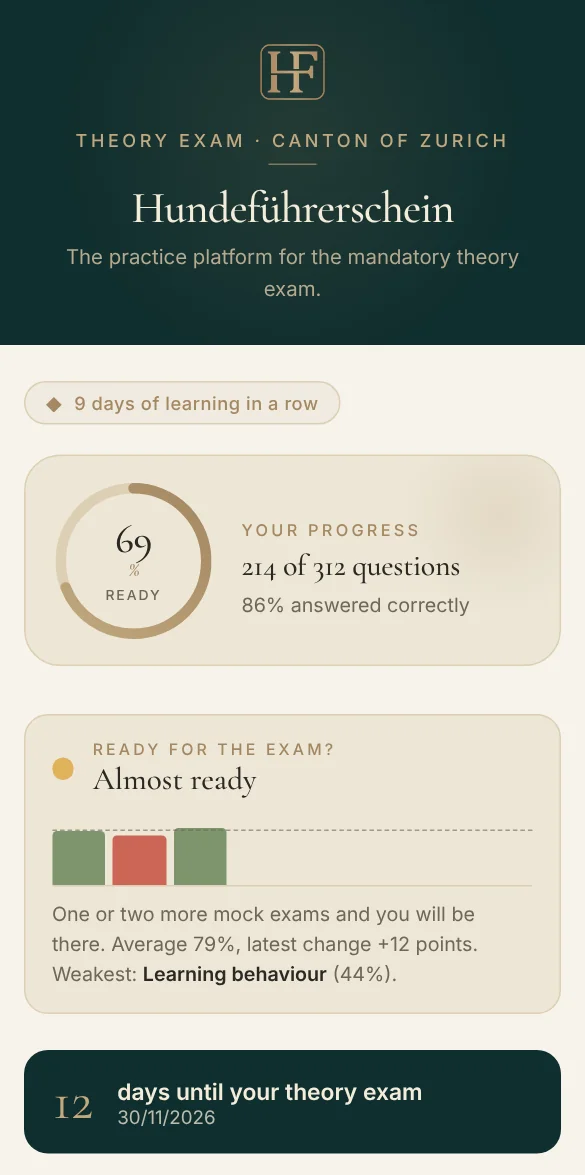
Learn and practise
The start page shows where you stand: how many questions you have already answered, your learning streak and the countdown to the exam.
Are you ready for the exam?
The traffic light evaluates your last three mock exams: green means you passed all three, yellow almost ready, red keep practising. Below it you see your weakest topic area. It is best to practise that one specifically.
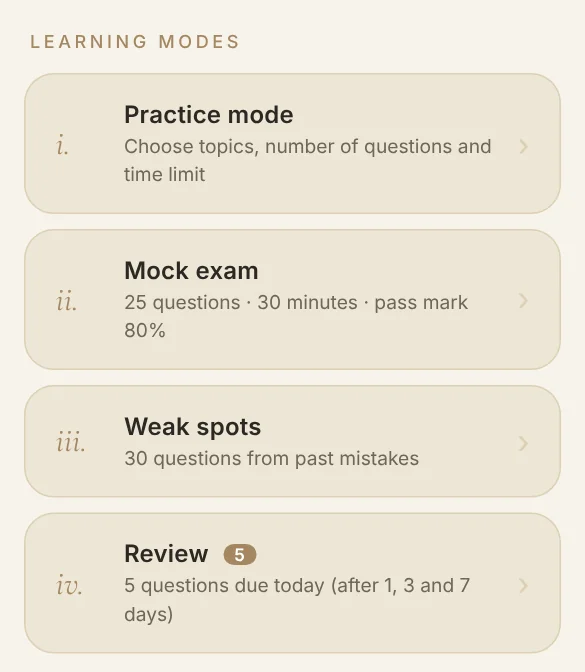
The four learning modes
- Practice mode: choose topic areas, number of questions and time limit freely, with an explanation after every answer.
- Mock exam: like the real exam, 25 questions in 30 minutes, passed from 20 correct answers.
- Weak spots: all questions you answered wrongly last time.
- Review: questions you answered wrongly come back after 1, 3 and 7 days. That way the content sticks.
Your learning status is saved and synchronised between your devices. So you can start on your phone and continue on your computer.
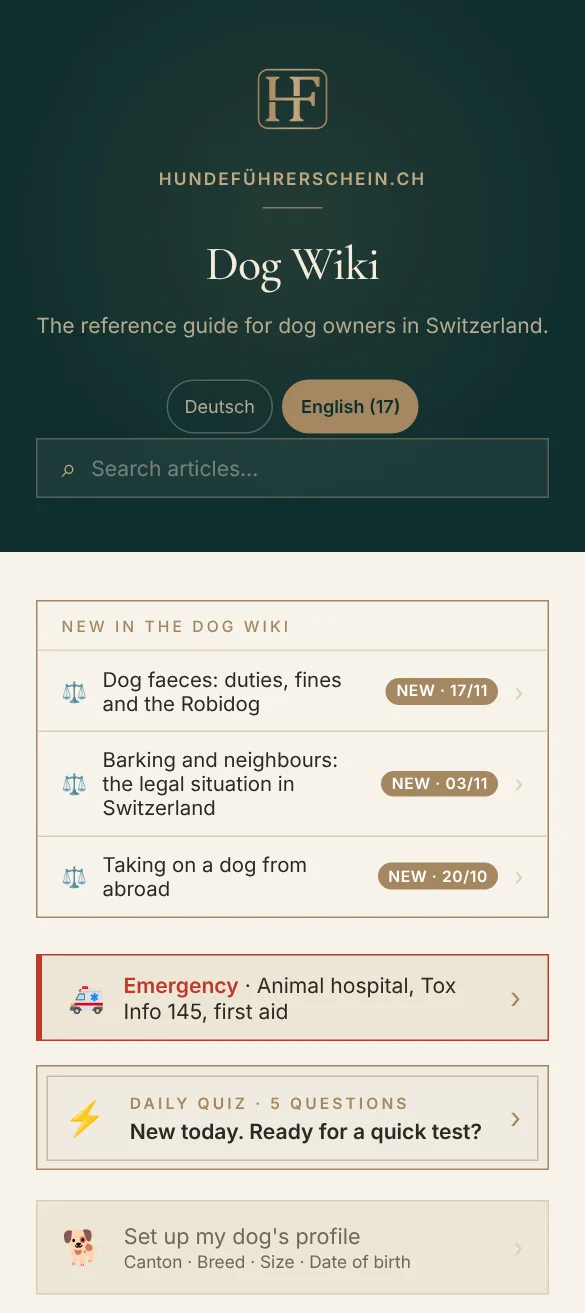
The Dog Wiki
The reference work for everyday life with a dog in Switzerland: law, travel, health and everyday life, every article with sources and a review date. All articles are available in English.
- Search: enter a keyword at the top, for example "leash" or "ticks".
- New in the Dog Wiki: new articles are at the top, unread ones are marked.
- My dog: enter canton, breed, size and date of birth. Your canton is highlighted in the tables.
- Bookmarks: tap the star in the article.
- Daily quiz: 5 new questions about the Wiki every day.
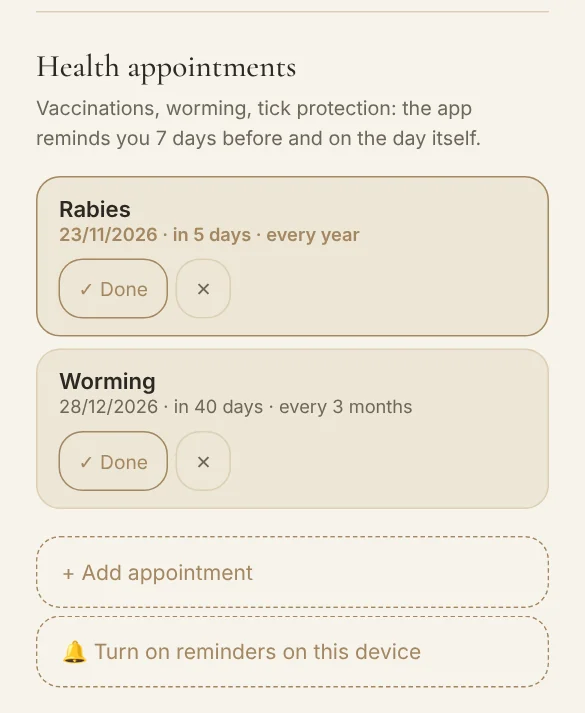
Health appointments
Under Wiki › My dog you enter the next appointments of your dog: vaccination, worming, tick and flea protection or the annual check-up.
- Tap + Add appointment, choose the type and the date.
- Under Repeat, choose the rhythm, for example yearly for the vaccination.
- When the appointment is done, tap Done. Recurring appointments jump to the next date automatically.
With notifications switched on, the app reminds you 7 days before and on the day itself. The date of the next vaccination is in the vaccination certificate.
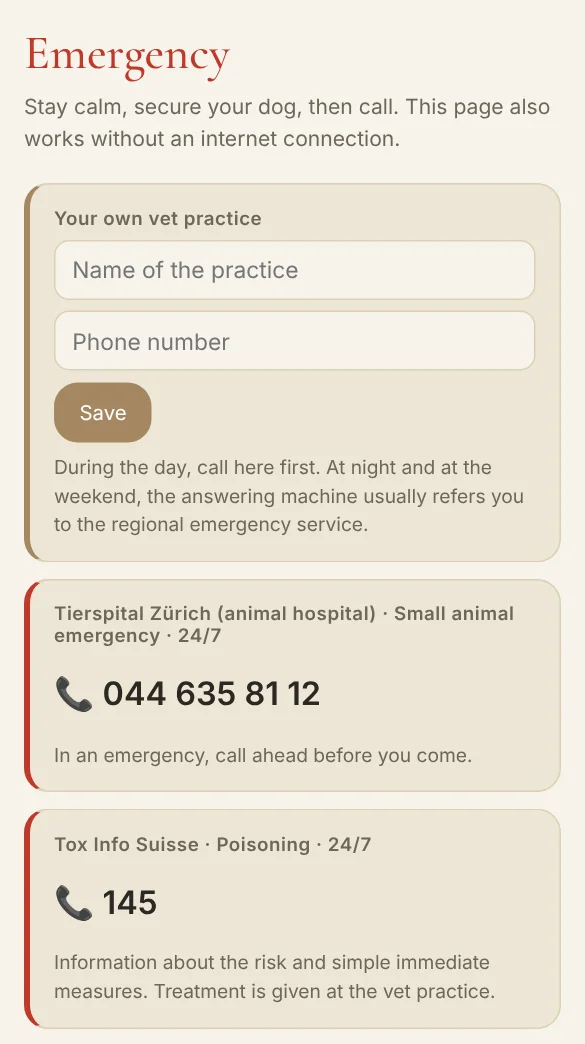
Emergency
You reach the emergency page in the Dog Wiki (red field) and in the profile. It also works without internet and shows:
- your own veterinary practice, once you have entered its name and number (stays only on your device),
- the Tierspital Zürich (animal hospital), small animal emergency, around the clock,
- Tox Info Suisse (145) if you suspect poisoning,
- the most important first aid steps.
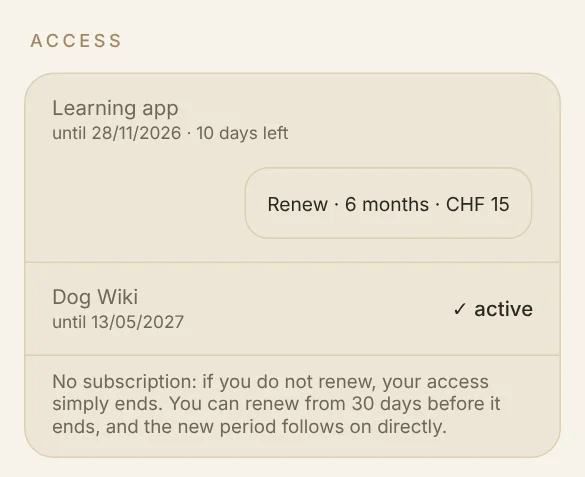
Renew your access
Your access simply ends. There is no subscription. We remind you by email 14 and 3 days before. If you want to continue, you renew directly in the app under Profile › Access:
- Learning app: 6 months for CHF 15
- Dog Wiki: 12 months for CHF 25
You can renew from 30 days before your access ends, and the new period follows on seamlessly. Your access is renewed immediately, and you can pay by TWINT within 48 hours. Without payment, the renewal is reversed automatically after 48 hours. The details come by email. In the same place you can also add the Dog Wiki or the learning app.
Questions, or found a mistake?
In the app you find the button Feedback at the bottom right. With it you report a mistake directly for the question or article concerned. For everything else, please send an email to info@hundefuehrerschein.ch.